TockMe
A focused interval workout timer with nothing else on screen to distract you.
Open App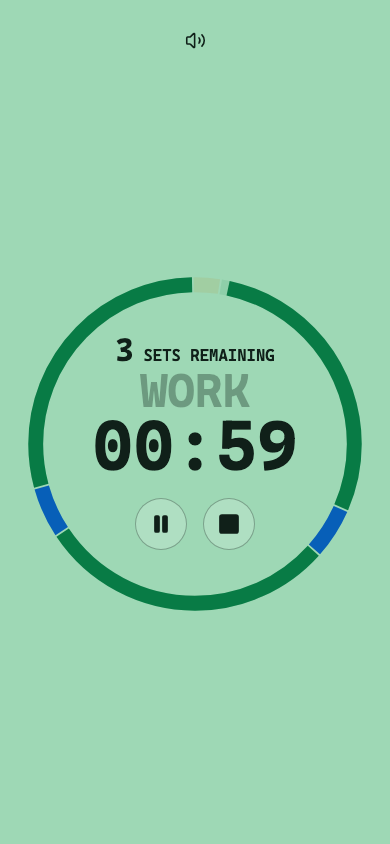
Features
Everything a workout timer needs. Nothing it doesn't.
Prepare, work, rest
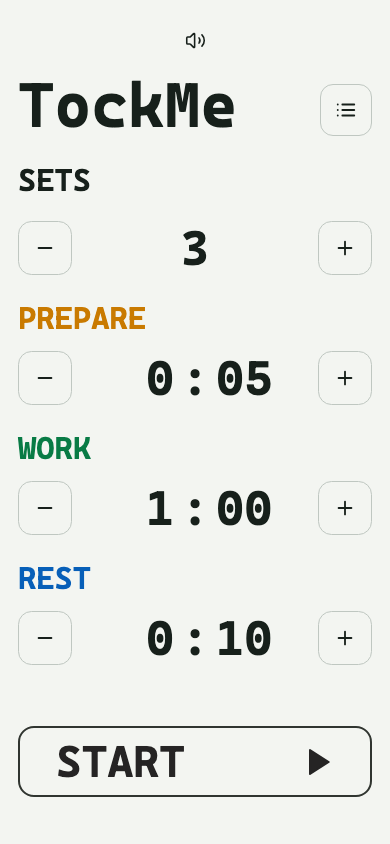
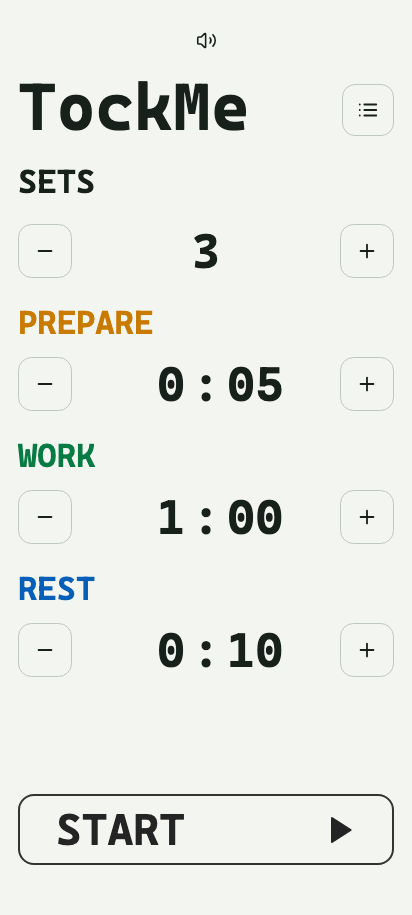
Set custom durations for each stage and the number of sets. TockMe counts you through the whole workout.
Multiple timers
Save named presets for different routines and switch between them in one tap.
Audio cues
Each stage has its own sound, plus a 3-2-1 countdown, so you don't need to look at the screen.
Stays awake
Keeps your screen on for the whole workout, it doesn't dim or locks mid-set.
Installable & offline
Add it to your home screen and it works like a native app. No connection required once installed.
Free & open source
No ads, no accounts, no tracking. The full source is on GitHub.
Install on your phone
TockMe isn't in an app store. Install it straight from your browser in a few taps.
iPhone · Safari
- Open adi.earth/apps/tockme in Safari.
- Tap the Share icon in the toolbar.
- Scroll down and tap Add to Home Screen.
- Tap Add in the top right corner.
Android · Chrome
- Open adi.earth/apps/tockme in Chrome.
- Tap the ⋮ menu in the top right corner.
- Tap Install app (or Add to Home screen).
- Confirm by tapping Install.